Skip to main content
Measuring tints and custom patches
Measuring tints
- Start GMG Measure and log in.
- Click the tab Colors.
- Connect a measuring device.
- Select the device from the list.
- Click Start measurement.
- Confirm the pop-up message to calibrate the measuring device.
- Measure the substrate (if required).
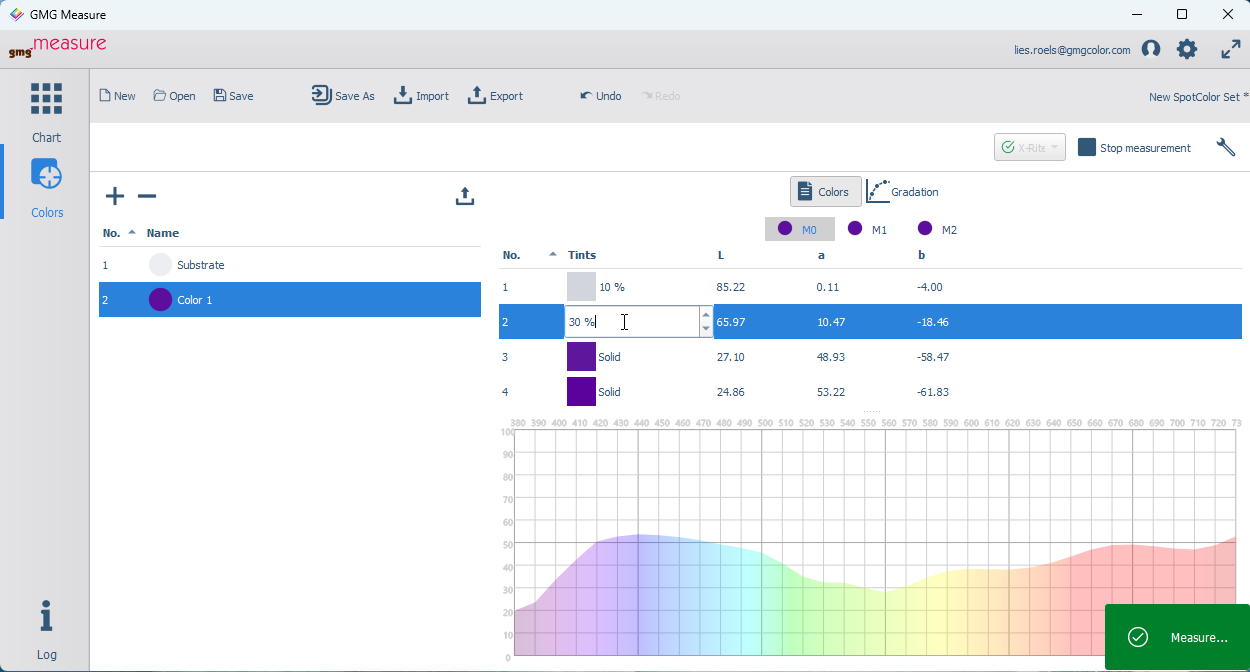
- Click Color 1 and measure all the tints.
- Double-click the word Solid'to change the definition, e.g. into 30%.

Comments
0 comments
Please sign in to leave a comment.