
This example shows how to generate a job ticket for use in GMG ColorProof using Esko Automation Engine. It describes the basic setup and can be adapted to other workflow systems that support XML output.
Add the ‘Create XML file’ step to your workflow
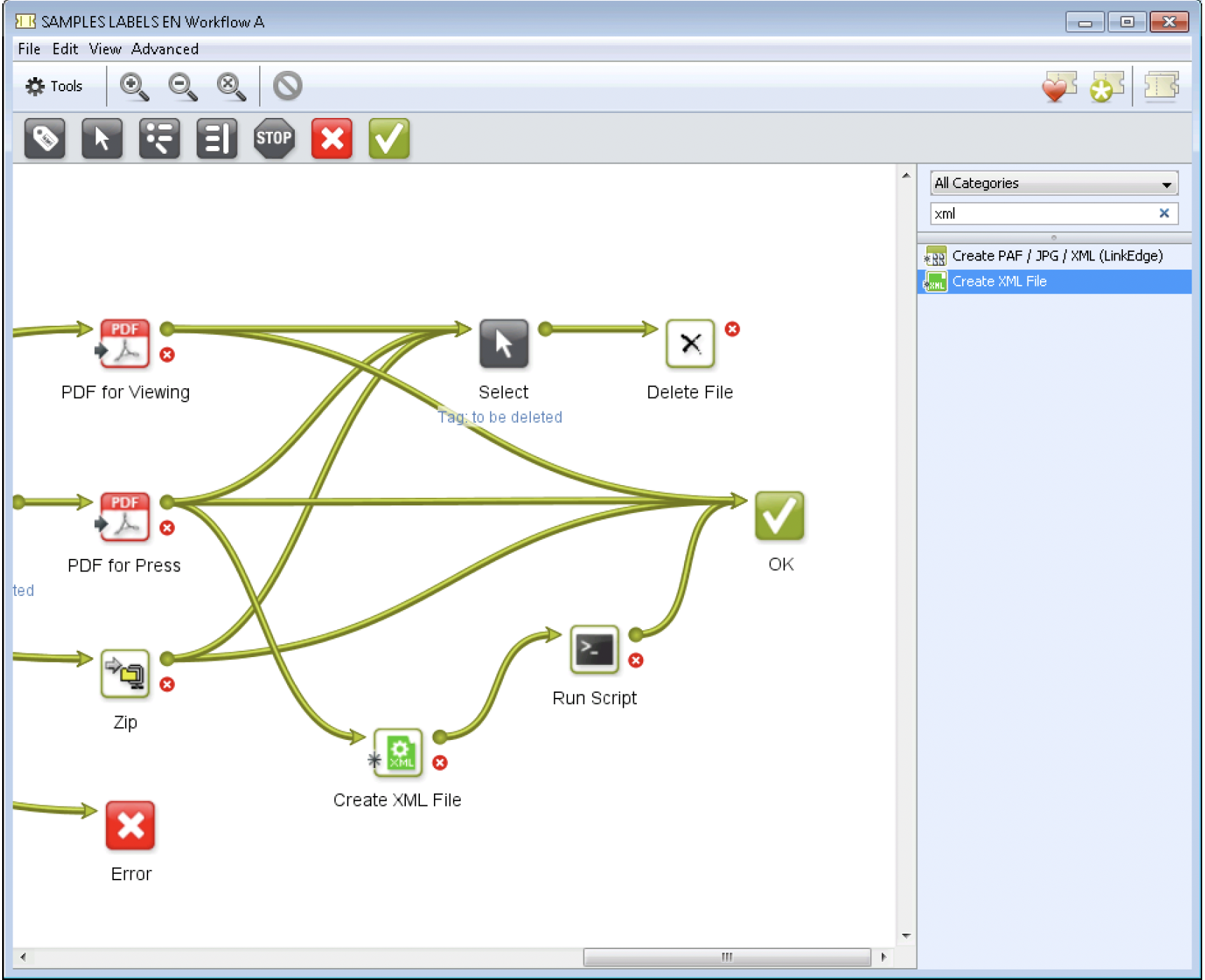
Configure the XML Output
The next step is to create a dynamic XML file, for example [File], to insert the file name of the current job into the generated XML:
Define the required XML structure for GMG ColorProof.
Ensure that the
<FileName>node dynamically references the actual job file.
In Automation Engine, this is typically done using SmartNames (accessed via the [] button).
For example, you can insert a SmartName that automatically writes the processed file name into the XML structure.
Workflow Logic
The workflow should include the following:
Receive the input file.
Generate the XML job ticket.
Deliver both the image file and
XMLfile to the GMG Job Ticket Hotfolder.
Once both files are present, GMG ColorProof reads the job ticket and processes the job according to the defined parameters.
Comments
0 comments
Please sign in to leave a comment.